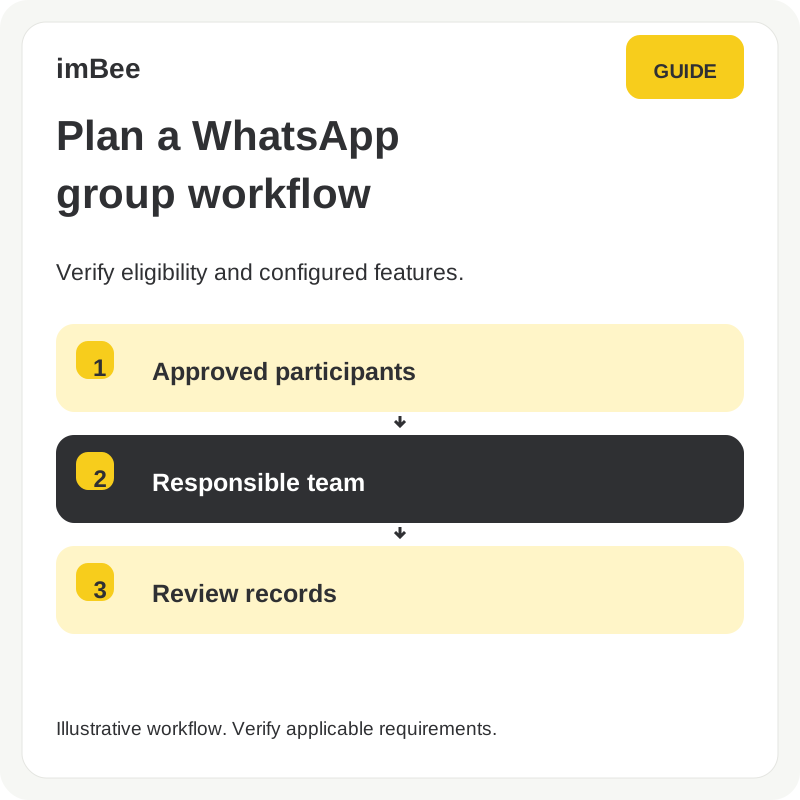
This article was first published in 2023. Its fixed 1,000-recipient example should not be read as the current limit for every account. Check your present account limits, recipient permissions and template requirements before scheduling a campaign.
Scheduling can help plan batches. It does not raise an account limit or provide an exemption from Meta rules.
Broadcast Limit Handler enables the system to automatically divide the broadcast message in WhatsApp Business channel with a broadcast limit.
Main Features:
1. Set Daily Limit
Set the batch ceiling against the verified current account allowance and leave room to handle failures and retries. Do not treat the historical 90% or 900-recipient example as a universal current default.
2. Review the Broadcast Performance
- After creating a broadcast, users can see the summary by clicking one broadcast in the broadcast list
- Metrics include: the number of messages successfully sent, waiting for process, received, read and replied

1. Create Broadcast

2. Select the Campaign

3. Send Out

To take a closer look at how different businesses from various industries are driving success with Whatsapp Business API, please get in touch with our sales for a bespoke demo.
Check the current account allowance and platform requirements before sending. Historical limit examples do not establish present account permissions.
Discuss your channels, team and conversation handover needs in a product demo.